
Ministry signup routing
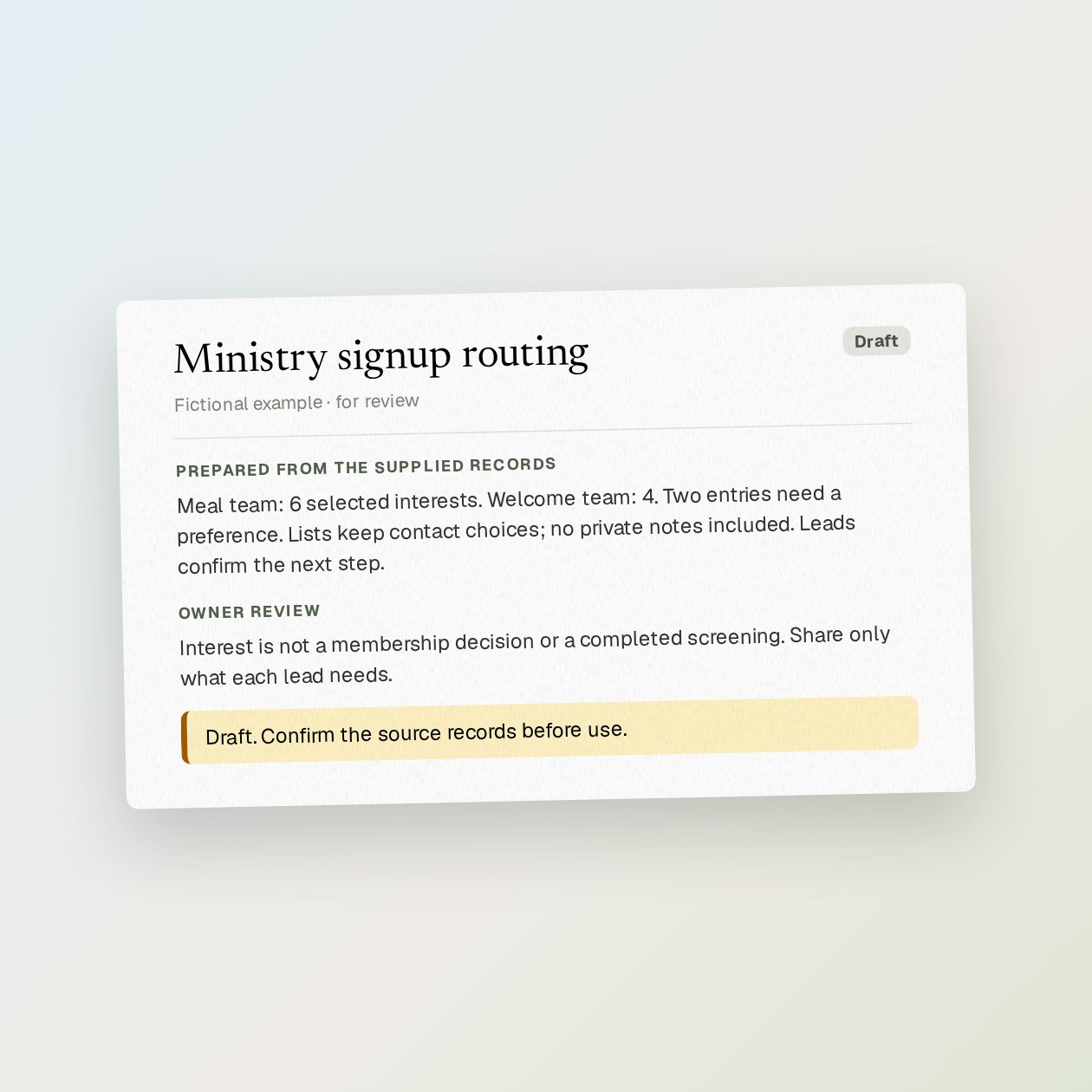
Export only the form fields needed for follow-up. Grantkeeper groups explicit selections such as music, meals or welcome team. A blank preference stays unassigned; it is not guessed from a name or language.
Fictional example.
Start with the source records
Export only the form fields needed for follow-up. Grantkeeper groups explicit selections such as music, meals or welcome team. A blank preference stays unassigned; it is not guessed from a name or language.
Give each ministry lead the relevant subset, not the whole congregation list. Keep consent choices with the records and send reviewed invitations from the church’s usual account. Sensitive care requests belong in a separate restricted process.
Check before using the draft
Interest is not a membership decision or a completed screening. Share only what each lead needs.
Use Airtable, Gmail. Read the volunteer scheduling guide.
Sources: Gmail documentation, Airtable documentation
What you send
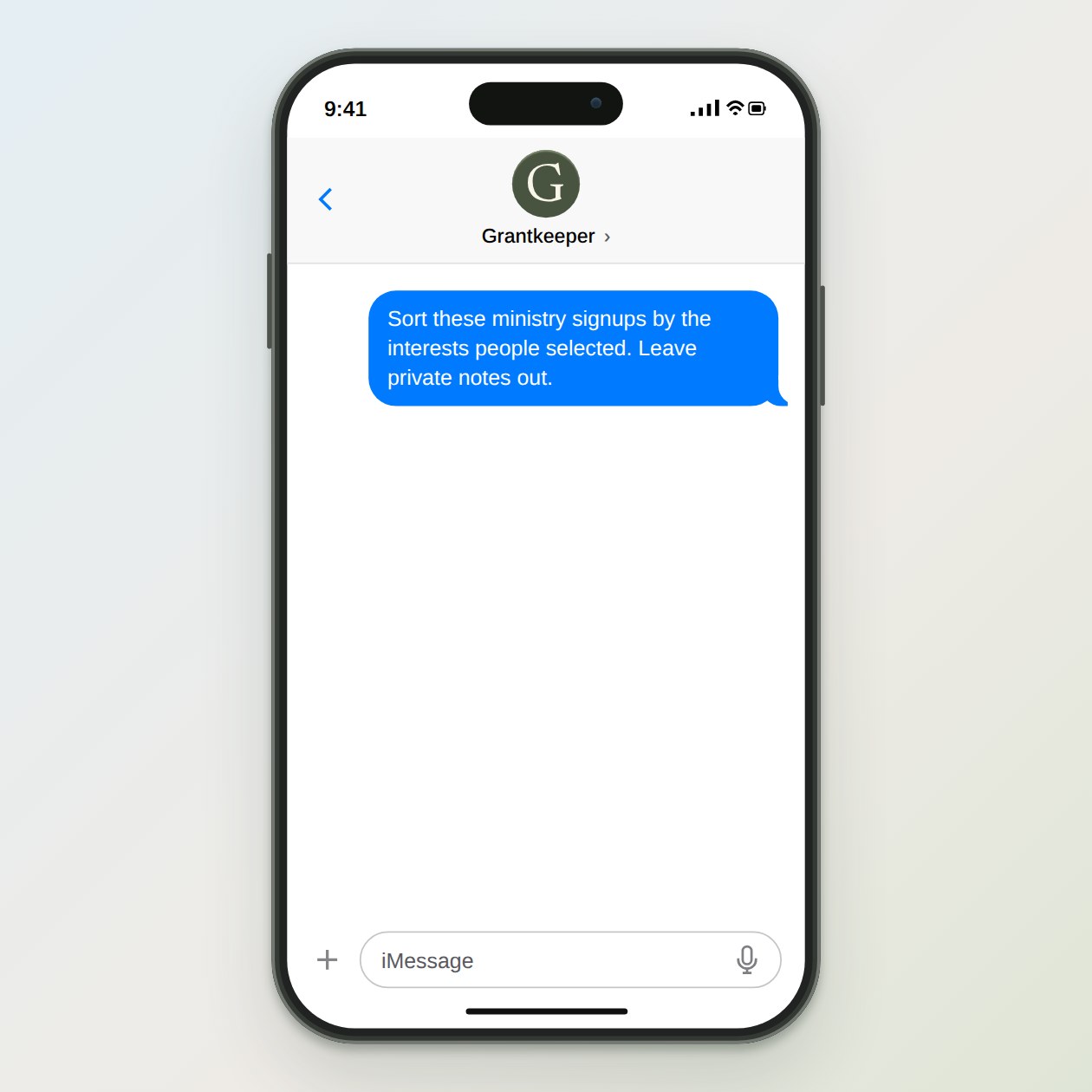
Sort these ministry signups by the interests people selected. Leave private notes out.
What Grantkeeper prepares
A separate interest list for each ministry lead, with contact choices and unassigned responses to review.
What to keep in mind
Interest is not a membership decision or a completed screening. Share only what each lead needs.