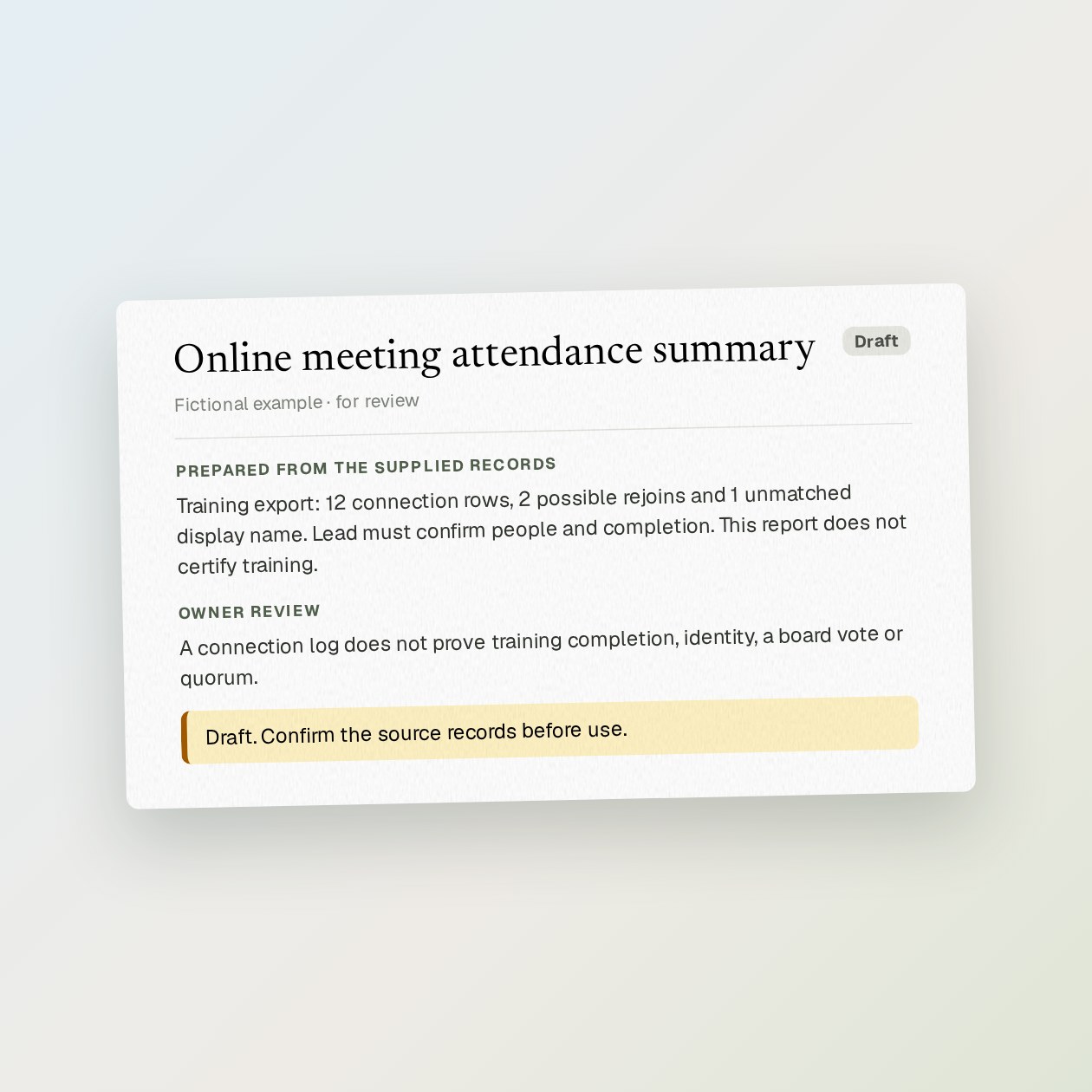
Online meeting attendance summary
Send the report you are allowed to export and the expected attendee list. Grantkeeper separates connection rows from people and flags names that cannot be matched safely. It does not join two people merely because their display names look alike.
Fictional example.
Start with the source records
Send the report you are allowed to export and the expected attendee list. Grantkeeper separates connection rows from people and flags names that cannot be matched safely. It does not join two people merely because their display names look alike.
Ask the lead to confirm attendance and any completion rules. Keep the source report restricted and share only the checked summary. If your Zoom plan or role does not provide the report, supply an approved manual register instead.
Check before using the draft
A connection log does not prove training completion, identity, a board vote or quorum.
Use Zoom, Microsoft 365 / Outlook. Read the volunteer scheduling guide.
Sources: Microsoft 365 / Outlook documentation, Zoom documentation
What you send
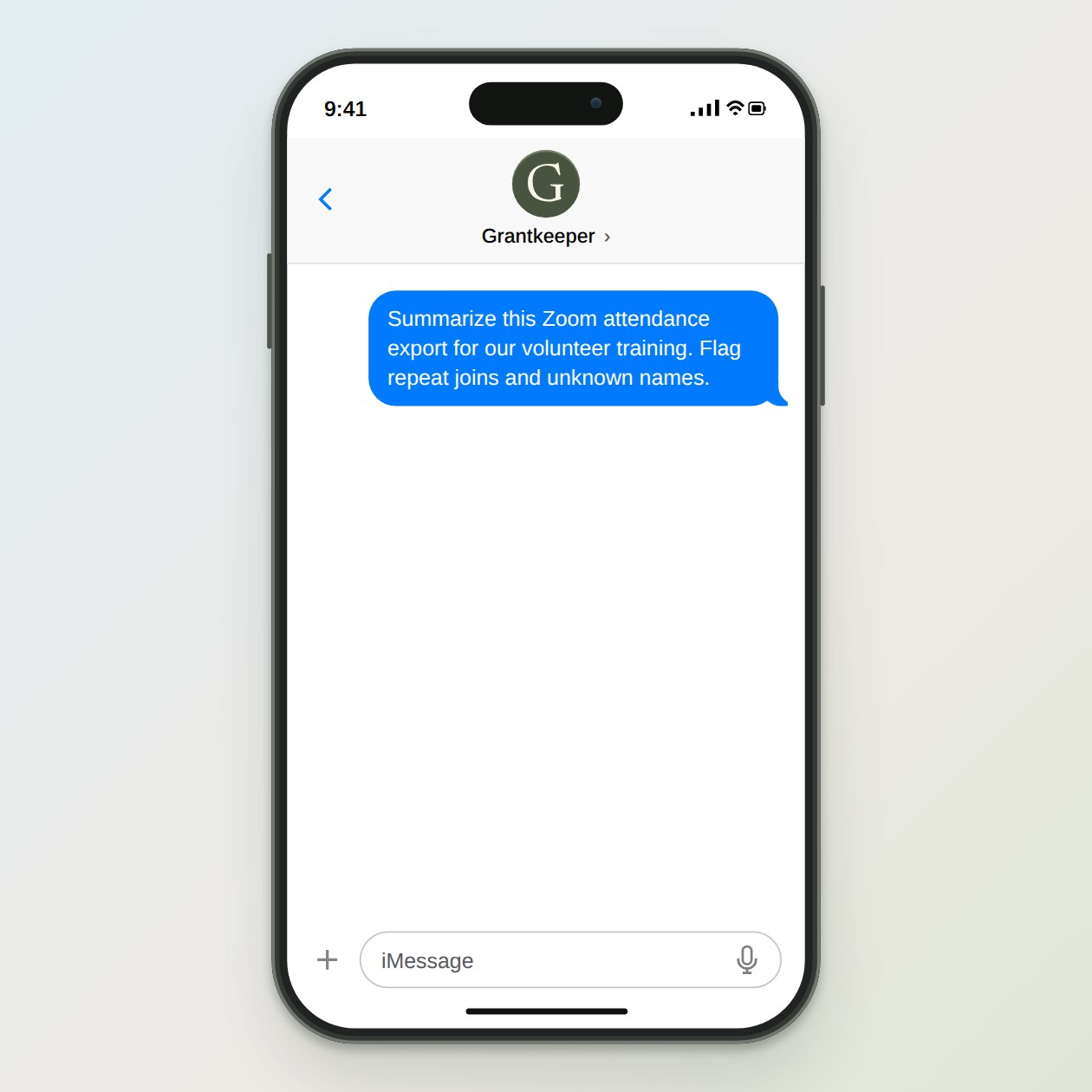
Summarize this Zoom attendance export for our volunteer training. Flag repeat joins and unknown names.
What Grantkeeper prepares
A draft attendance summary with repeat connections, unmatched names and questions for the training lead.
What to keep in mind
A connection log does not prove training completion, identity, a board vote or quorum.